

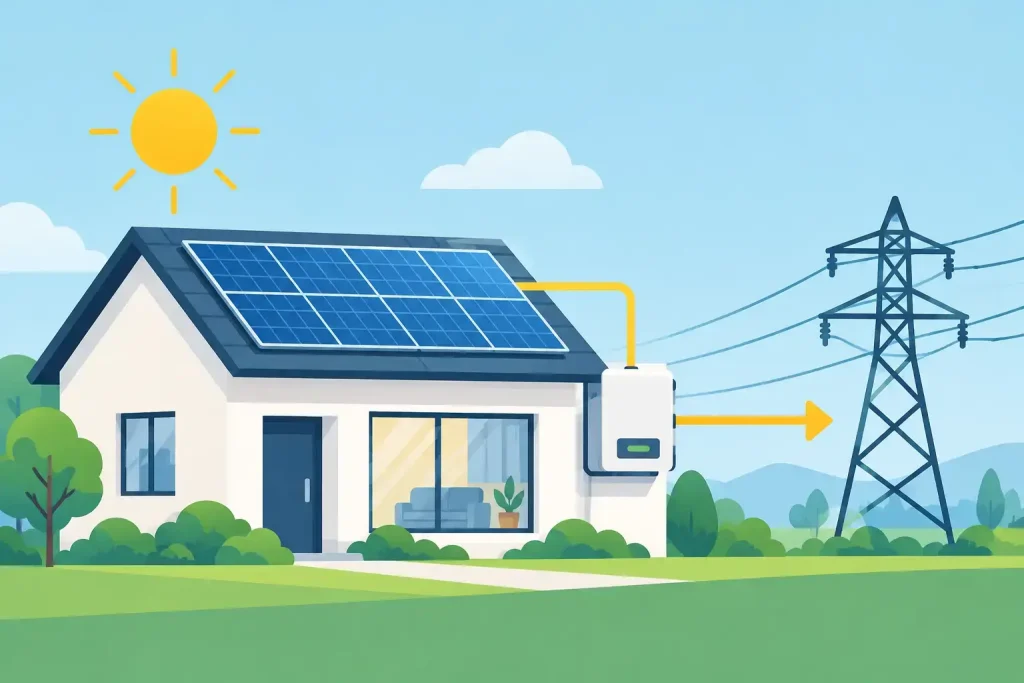
Your solar panels may be producing more electricity than your home can use at certain points in the day. Rather than letting that power go unpaid, learning how to register solar export helps you put the right paperwork, meter and tariff in place to receive payment for it.
For most homeowners, the process is straightforward when the installation has been designed and documented properly. The confusing part is that there are two separate jobs: registering the system with the local electricity network, and applying to an energy supplier for an export tariff. Both matter, but they are not the same thing.
What solar export registration actually means
When your panels generate electricity, your home uses that power first. Any unused electricity flows through your meter and onto the local grid. This is known as export.
To be paid for those exported units, you normally need a Smart Export Guarantee, usually shortened to SEG, tariff. This is offered by electricity suppliers and pays a set rate for each kilowatt-hour of electricity your system sends to the grid.
Before that can happen, your distribution network operator, or DNO, needs to know your system is connected. The DNO is the company responsible for the electricity network in your area. It is not your energy supplier, and it does not send your household bill.
A competent installer will normally deal with the DNO notification or application as part of the installation. Your role is then to make sure you have the documents needed for the SEG application and a meter that can record export accurately.
Step 1: Make sure the DNO paperwork is complete
Most standard domestic solar systems fall under Engineering Recommendation G98. This applies where the inverter export capacity is no more than 16 amps per phase – broadly around 3.68kW on a single-phase supply.
With G98, the installer can usually connect the system and notify the DNO shortly afterwards. The DNO should then issue confirmation that the system has been registered. Keep this safely with your other solar paperwork.
Larger systems, three-phase properties, or systems designed to export more than the G98 limit often require a G99 application. Unlike G98, this normally needs approval before installation or commissioning. The DNO may approve the proposed export level, request changes, or set an export limit where the local network has limited capacity.
This is one reason system design should not be based on panel numbers alone. A larger array may be right for your roof and usage, but the permitted export capacity can affect inverter settings, battery configuration and the likely return from an export tariff.
If you are unsure what was submitted, ask your installer for the DNO reference, confirmation letter and the agreed export capacity. Do not assume that switching the solar system on is the same as registering it for export payments.
Solar batteries can affect the application
A battery does not automatically make export registration more complicated, but it can change what the DNO needs to assess. Some batteries can export stored energy as well as surplus solar generation. Others can be configured to limit export or prevent it altogether.
Where a battery is added to an existing solar system, the original DNO approval may need reviewing. This is particularly relevant if the combined inverter capacity increases or the new equipment could export above the existing agreed limit. The installer should establish this before work begins, not after the battery is fitted.
Step 2: Check you have the right certificates
Most SEG suppliers ask for evidence that the installation meets recognised standards. In practice, this will usually mean an MCS certificate for the solar PV system, alongside the commissioning information and DNO documentation.
Your installer should provide a clear handover pack. For a typical home solar installation, retain the MCS certificate, DNO confirmation, electrical installation certificate, inverter details, panel details, warranties and commissioning records. The exact paperwork requested varies between suppliers, but having the full file avoids unnecessary delays.
If your system was installed some years ago, do not worry if the paperwork looks different from a newer installation. Start by locating the MCS certificate and any network approval. If documents are missing, the original installer, certification body or DNO may be able to help, although this can take time.
Step 3: Confirm that your meter records exported electricity
Your energy supplier needs a reliable export meter reading. For most homes, that means a smart meter configured to record both imported and exported electricity.
Check your meter display or supplier account for separate import and export readings. They are commonly shown as different registers. A meter that only records what you buy from the grid cannot provide the data needed for a standard export payment arrangement.
If you do not have a suitable smart meter, contact your electricity supplier to request one. It is worth doing this early. Meter appointments and account updates can hold up an otherwise complete SEG application.
Be careful with older meters. Some legacy meters may not register export correctly, while others may behave unexpectedly when electricity flows back to the grid. Do not rely on a backwards-moving meter or an estimate. An approved export-capable meter gives you a proper record and helps avoid billing problems later.
Step 4: Choose a Smart Export Guarantee tariff
You do not have to take an export tariff from the same company that supplies your imported electricity. You can compare SEG tariffs and apply to a supplier that accepts customers from other energy providers.
The highest headline rate is not always the best choice. Some tariffs pay a fixed rate for every exported unit, while others offer rates that change by time of day. A time-based tariff may suit a household that can export at valuable periods, but it can also require more active management and accurate half-hourly meter readings.
Consider how you use electricity before deciding. A household with a battery may export less because it stores surplus solar for the evening. That can reduce export income but improve savings by avoiding higher-priced imported electricity. There is no single right answer: self-use, battery storage and export payments need to be looked at together.
Also check whether the tariff has an exit fee, minimum contract term, export cap or particular meter-reading requirements. Suppliers can set their own terms, so read them rather than choosing solely on the advertised pence-per-kilowatt-hour figure.
Step 5: Apply to the supplier and submit your details
Once the DNO registration, certification and meter are in place, apply for your chosen SEG tariff. The supplier will usually ask for your contact and supply details, MPAN information, MCS certificate number, DNO evidence, meter serial number and an opening export reading.
Your MPAN is the number that identifies your electricity supply point. It is often shown on your electricity bill. Some suppliers may also ask for photographs of the meter display or confirmation that smart readings are enabled.
Processing times differ. The supplier may need to validate the documents, set up an export account and confirm the first reading before payments begin. Keep copies of everything submitted and make a note of the date you applied. If the supplier requests further information, respond promptly so the application does not stall.
Common issues when registering solar export
The most common delay is applying for an export tariff before the supplier can see the correct meter data. A newly installed smart meter can take time to communicate fully, and an existing smart meter may need its export register enabled.
Another issue is a mismatch between paperwork. The name, address and system details on the MCS certificate, DNO form and energy account should be consistent. A small difference, such as a shortened property name or an incorrect inverter rating, can result in queries that slow down the application.
Homeowners with older Feed-in Tariff arrangements should be particularly careful. You may already receive payments under the earlier scheme, including deemed or metered export payments. You cannot generally be paid twice for the same exported electricity. Ask your existing FiT licensee and prospective SEG supplier how a change would affect your arrangement before signing up.
Finally, do not change inverter export settings yourself to chase a tariff rate. Export limits exist to protect the local network, and any alteration should be assessed and documented properly.
How to register solar export with confidence
A good installation leaves you with more than panels on the roof. It should leave you with clear documentation, safe commissioning and a system designed around how your household actually uses energy. At Baird And Brown LTD, that means explaining the handover paperwork in plain English, so you know what to keep and what to send when you apply for export payments.
Once your account is live, check the first few payments against the export readings shown by your meter. The figures will vary with the season, weather and household demand, but a quick check gives you confidence that your solar system is being credited as it should be. Keep your paperwork together too – it will be useful if you add a battery, change supplier or sell your home in future.


